
Your Eero Pro 7 router is equipped with 2 ethernet ports. One of these ports is designated for the WAN side that connects to the ONT to reach the internet and the other port is a LAN port that can be used for any devices that you wish to hard wire in such as your PC, TV, or gaming console to name a few. These ports are interchangeable and the router will know which one is the WAN port, but generally good practice to keep the WAN on port 1.
There are a variety of options available on the market to increase the number of ethernet ports. We have a few recommendations to get you started, depending on your needs.
NETGEAR 5 Port Gigabit Ethernet Switch
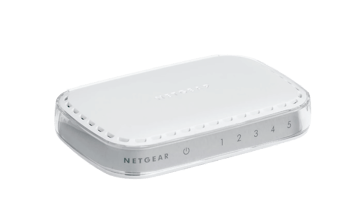
Features:
-
Low cost
-
5 ports up to gigabit speeds
-
Plug and Play
-
User-friendly set up with no software required
-
Traffic prioritization - QoS settings for important devices, phones, gaming consoles, video.
ASUS - ExpertWiFi EBP15 5-Port Gigabit Smart Managed PoE+ Ethernet Switch
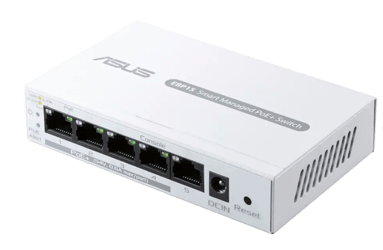
Features:
-
5 ports up to gigabit speeds
-
4 ports PoE to provide power 60 watts of power
-
More features than an unmanaged switch to configure advanced networking options such as VLAN ID assignment
TP-Link Omada 5-Port 2.5G Multi-Gigabit Desktop Switch - 5 Ports - 2.5 Gigabit Ethernet
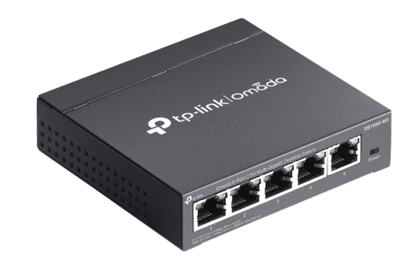
Features:
-
5 ports
-
Multi-gigabit (2.5) connectivity