-
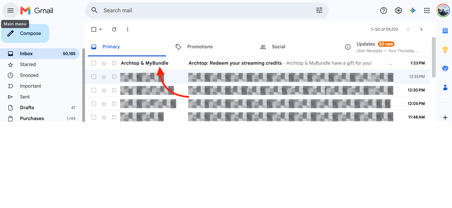
If you were provided with an Archtop Fiber MyBundle streaming credit, you can activate it using the email sent to the email address associated with your Archtop Fiber account. Look for an email titled "Archtop & MyBundle" and follow the instructions included to activate your MyBundle account and redeem your streaming credits.
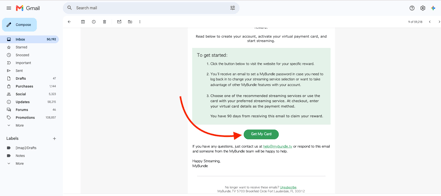
- Open the "Archtop & MyBundle" email sent to the email address associated with your Archtop Fiber account, scroll down through the message, and click the green "Get My Card" button to begin the activation process.
-
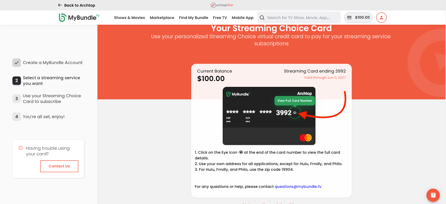
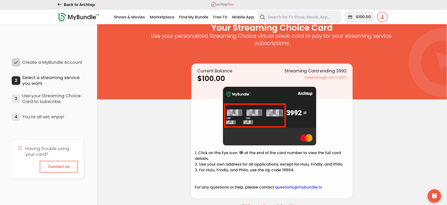
You will be directed to the MyBundle website where your digital gift card will be displayed. Click the eye icon to view the full card number, expiration date, and CVV.
-
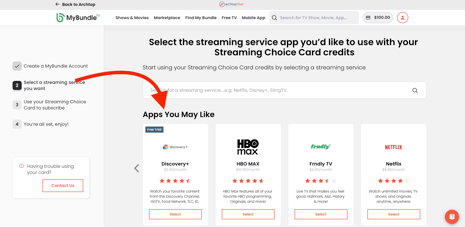
Lastly, you can scroll down and select one of the available streaming platforms to redeem your gift card, or you can navigate directly to your preferred streaming service and use the gift card information during checkout.