
- Launch the eero app. If you don’t have it, see this article to download it.
- Once you’ve launched the eero app, select “New to eero?”. If you’ve used an eero router before, select “Already have an account” and log in with your existing credentials.
.jpeg?width=155&height=336&name=Media%20(4).jpeg)
- You can sign up with your email or phone number, or use Continue with Amazon.
.jpeg?width=157&height=341&name=Media%20(5).jpeg)
- If you select Amazon, you will be directed to an in-app browser where you can sign in to your Amazon account and link it to your eero account.
- If you select email or phone, you will be prompted to enter your information and will receive an activation code via email and/or SMS to continue.
.png?width=168&height=364&name=Media%20(7).png)
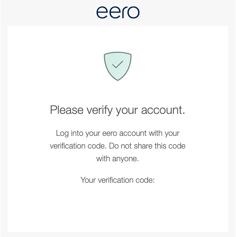
- After submitting your information, you will receive a notification with a verification code. Enter the code in the app to verify your account.
- Once you enter the code, you will be logged in to your newly created eero account.
.jpeg?width=178&height=386&name=Media%20(7).jpeg)